
Email notifications
Cyberbard sends emails only about your own tests. We do not send marketing emails.
Which emails you may receive
- Report ready: when a test you started has finished, so you do not have to wait on the page.
- Scheduled test summary: after each scheduled test, a short summary with advice, your score, how competitors appear in AI answers and the number of issues.
- Account emails: sign-in links and password resets.
Turn notification emails off or on
-
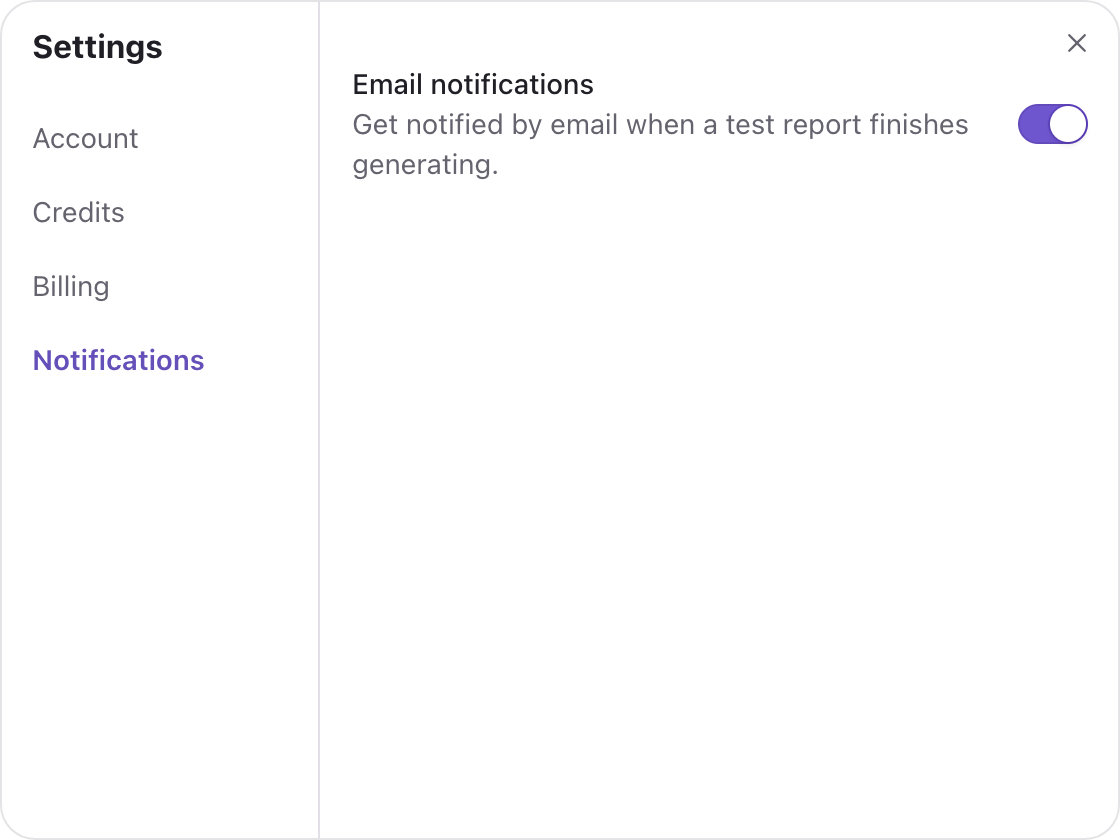
Click your name at the top right, choose Settings, then Notifications.
-
Use the Email notifications switch. It controls whether we email you when a test report finishes generating.
Stop a scheduled test or unsubscribe from the email
Every scheduled test summary has one-click links at the bottom to stop re-tests or to unsubscribe. You do not need to sign in to use them.
If summary emails are off and you do not visit for more than a month, scheduled tests can pause to save your credits. You can start them again from the project page. See Scheduled tests.
I did not receive an email
- Check your spam or promotions folder.
- Make sure Email notifications is on in Settings.
- Check that you are looking at the email address you signed up with. It is shown under Settings → Account.
- If you have used a magic link, wait a minute and request a new one.
If you still cannot find it, tell us with Feedback.
Related articles
- Scheduled tests — Let Cyberbard re-test your website every two weeks and email you what changed.
- Sign in and manage your account — Ways to sign in, how to reset your password and what you can change in Settings.
- Troubleshooting and common questions — Answers to the most common problems: failed tests, missing data, empty competitor lists and locked parts.
Last updated