
Share a report
You can send a report to a business partner, a client or your web person with a single link. They do not need an account to read it.
Get the link
- Open the report.
- Click Share at the top.
- Click Copy and paste the link into an email or message.
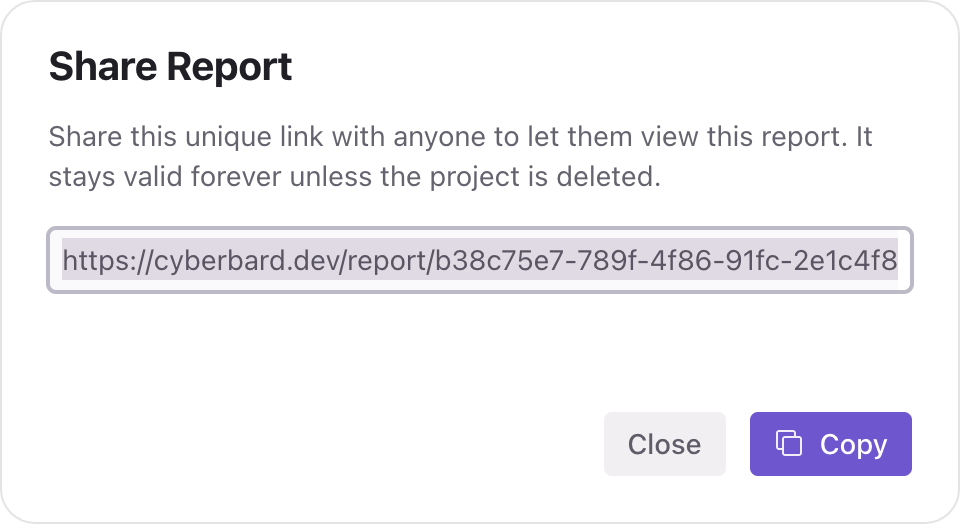
The link looks like https://…/report/<long-code>. Anyone who has it can open the report, so only send it to people you trust.
What people see
A person who opens the link sees the report without the Fix Plan tab: the Summary and the Audit. They do not see your project's other reports or any of your account details.
If a part of the report is locked because you have not unlocked it, the other person cannot unlock it for you. They see a message asking them to contact whoever created the report. Once you unlock it, those parts open for everyone with the link.
How long the link works
The link stays valid for as long as the project exists. It does not expire on its own.
Stop sharing
You cannot turn off a single link on its own. The link stops working when the project is deleted. If you need to stop sharing, see Delete a project, and keep in mind that this removes all the project's reports.
Send the Fix Plan to someone
Because shared links do not include the Fix Plan, the easiest way to send it is to export it as a PDF. A PDF holds one section at a time, so export the Fix Plan on its own.
Frequently asked questions
Does the other person see how many credits I have? No.
Does the report update after I retest? A retest updates the same report, so the link shows the latest results.
Related articles
- Export a PDF with your logo — Turn any section of your report into a PDF with your own logo and name, ready to send to a client or developer.
- Report overview — A quick tour of the three tabs in your report and where to start.
- What unlocking a report includes — What you can use for free, what 3 credits unlock on a report, and what happens after 30 days.